
The access explorer answers one question with evidence: who can reach a given thing, and why. Ask about a person to see everything their roles and shares open up, or ask about part of the directory to see who can reach it — and every answer names the role or share behind it.
Asking a question
The explorer lives in the Policy area of Setup, on the "Explorer" tab. You ask in one of two directions, and the answer appears the moment you choose — there is no separate button to run.
To ask about a person:
- Open Policy and select the "Explorer" tab.
- Keep "By person" chosen.
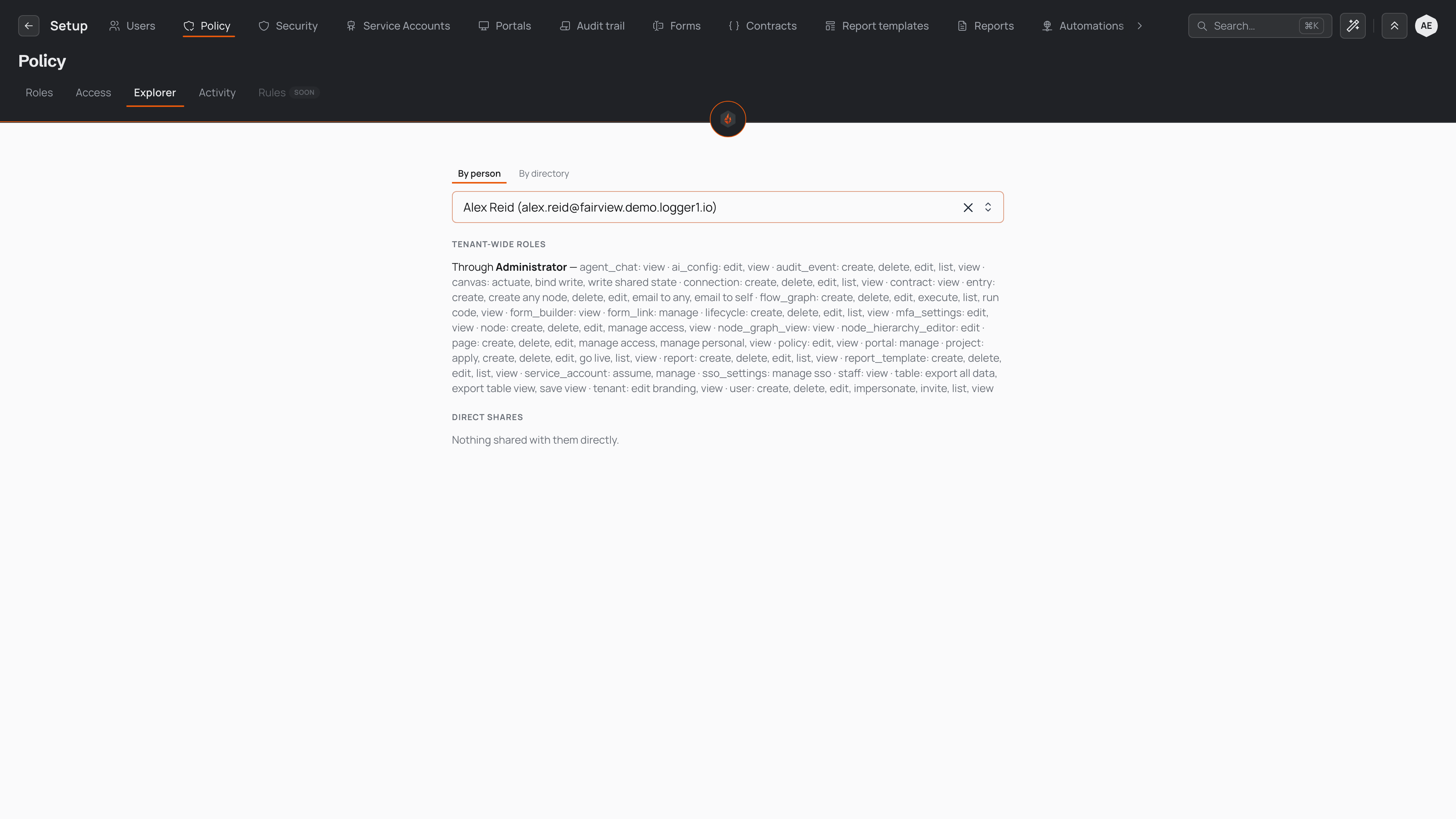
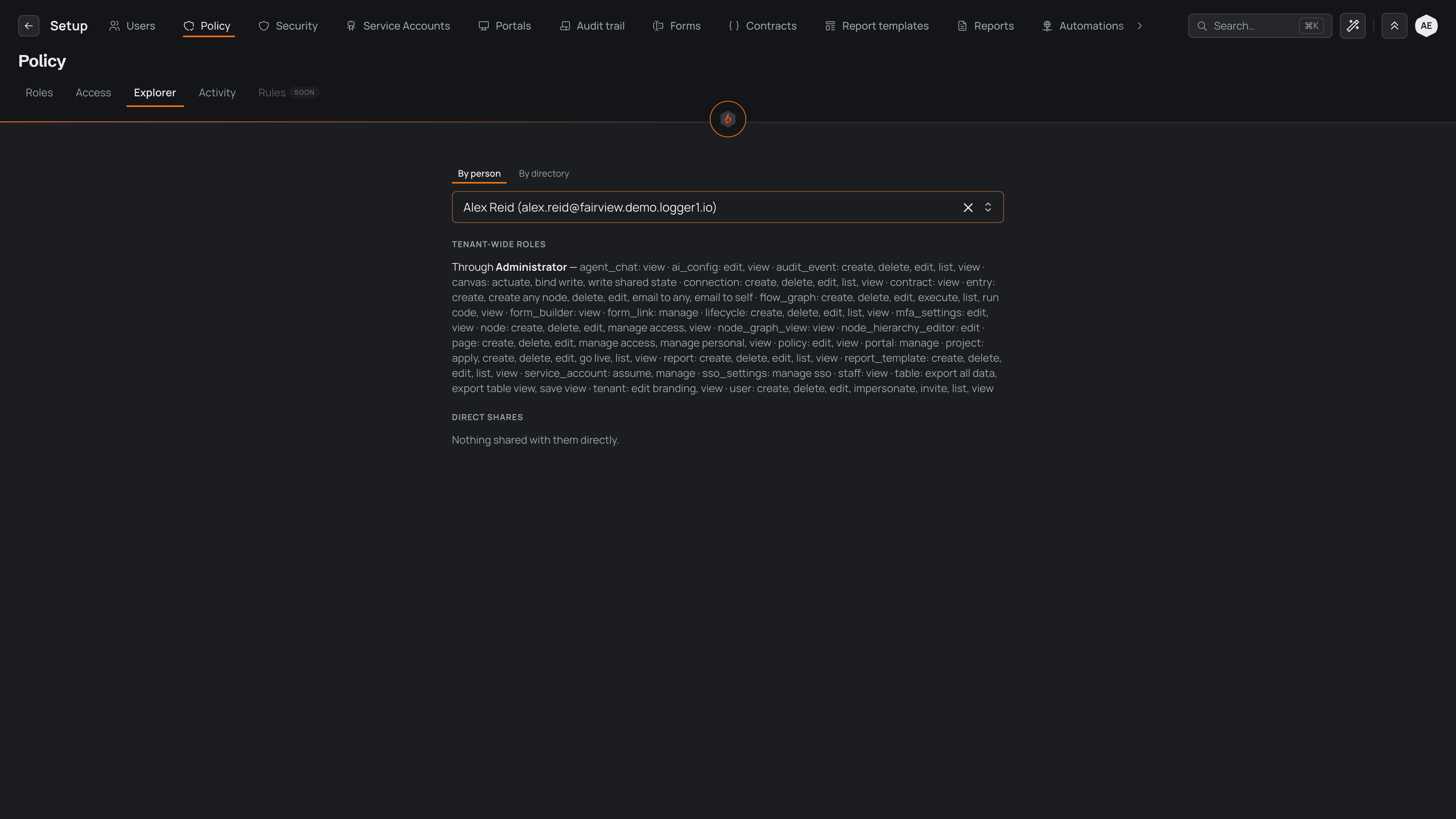
- In "Pick a person", search for someone and select them. Their access appears beneath the picker.
To ask the other direction, switch to "By directory", pick a place, and pick which action you are asking about — seeing it, adding entries, editing them, or removing them. The explorer then lists each person who can do that there.
Your question is held in the page address, so you can bookmark an answer or send the link to a colleague and they land on the same one.
Reading the answer
Every line of an answer names where the access comes from, so you see not only what someone can reach but which role or share opens it. Naming the source is what makes an answer something you can act on — you know exactly what to change.
For a person, the explorer groups the answer into two parts.
The roles they hold across the organisation come first. For each role, the explorer lists the permissions it grants, organised by what they apply to — the entries, the directory, pages, reports and other things the person can work with, and the actions they can take on each, such as viewing, creating, editing and deleting. Because every permission is attributed to the role behind it, you can see which role opens which capability.
Anything shared with them directly comes next — a branch of the tree or a page handed to them on its own, with the actions that share grants. When nobody has shared anything with the person directly, this part reads "Nothing shared with them directly." A share covers a place and everything beneath it, so one share can open a wide slice of the entries further down the branch.
For part of the directory, the explorer answers the mirror question: it lists each person who can perform the action you asked about, alongside where that access comes from — a role that applies across the organisation, a share made directly there, or one inherited from higher up the directory. From anyone in the list, you can move straight to their own answer to see everything else they can reach.
For how roles and shares combine to decide what a person can reach, see Access and sharing.