
A service account is a non-human identity — the account an integration or automation acts as when it runs on its own, with no person signed in behind it. Each one holds its own API keys and carries the roles that decide what it can reach, so an outside system gets exactly the access you grant it and nothing more.
The service accounts list
The list of service accounts lives in Setup, under Organisation → Service accounts, on its Accounts view; the API keys view beside it lists every key the accounts hold. Each row is one account, showing its name, the roles assigned to it, how many API keys it holds, and when it was last modified.
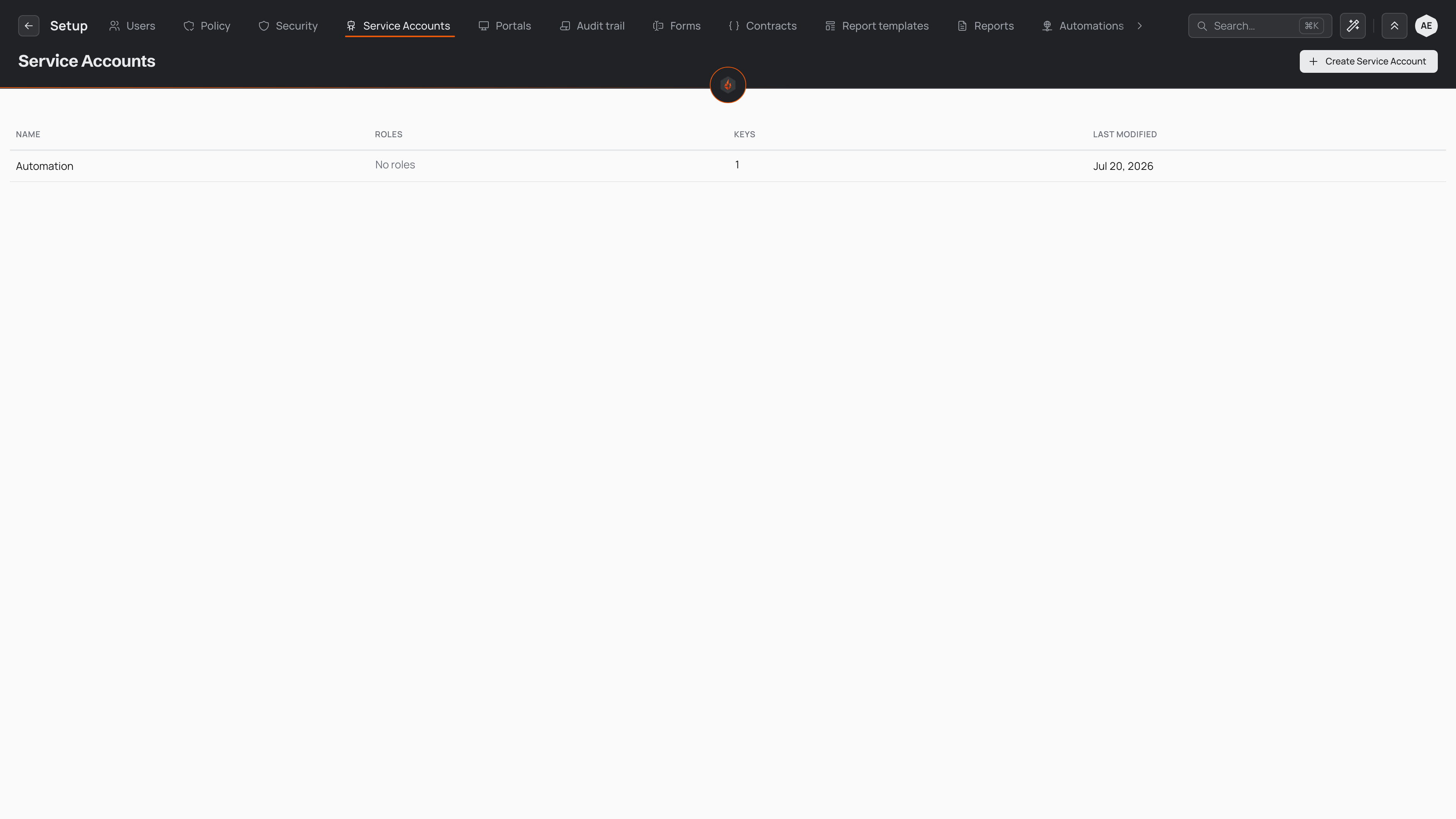
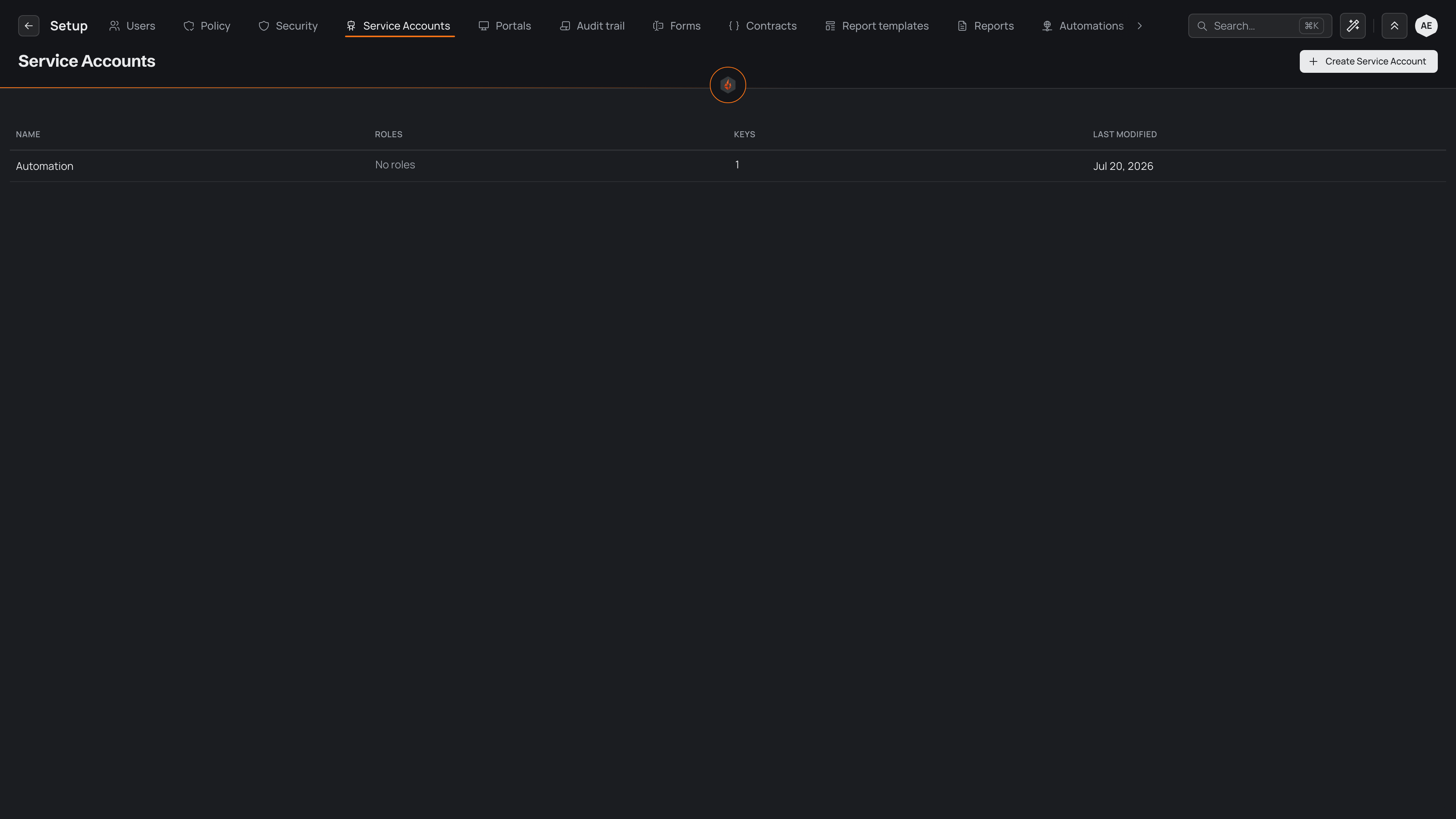
Every organisation starts with one built-in account named Automation. It is the identity your automations act as, and the account API keys act through, so an organisation can run integrations without adding anything to this list. To give a particular integration its own roles and keys, select New service account and name the account for the system that will use it.
An account's page
Select an account in the list to open its own page. The page is titled with the account's name and gathers everything about it in three sections:
- Details — what the account is for, and when it was created.
- Roles — the roles the account holds, which decide what it can reach.
- API keys — the keys outside systems call in with as this account.
Changes to an account's roles are not kept until you select Save at the top of the page; Discard puts them back as they were. To remove the account, open the actions menu beside Save and choose Delete.
An automation's editor names the service account it runs as. Follow the link beside that name to open the account's page and see the roles the automation acts with.
API keys
An API key is the credential an outside system presents to call Pyron's API as a service account. The key belongs to the account, so a request made with it can do only what the account's roles allow. The KEYS column in the list counts how many keys an account holds that have not been revoked.
To issue a key, open the account's page and select New API key in its API keys section. Give the key a name that says who or what will hold it, then select Issue key. The key acts as that account — there is no account to choose.
When you issue a key, Pyron shows its secret value one time. Copy it then and store it somewhere safe: Pyron keeps only a one-way hash of the key, so the value cannot be shown again. When a key is exposed, or the integration behind it is retired, revoke it from the actions menu on its row — any system still presenting a revoked key is turned away.
For a step-by-step guide to issuing an inbound key and using it in a request, see inbound API keys.
Scoping what they can do
A service account reaches only what its roles grant — the same roles and permissions that govern the people in your organisation. An account that shows No roles in its row can authenticate but touch nothing, which makes its roles the setting that decides an integration's reach.
To change an account's roles, open its page, pick the roles under Roles, and select Save. Give each account the narrowest set of roles its integration needs, and no more. An integration that reads entries but never changes them should hold a role that can view without editing. You manage which roles exist, and what each one allows, on the roles page.
A project that builds automations makes its own service account for them, with a role named after the project. That role is fixed on the account: it shows checked and can't be changed, and no other account can hold it. You can still give the account more roles beside it. Deleting the account takes its roles from it and deletes the project's role, unless another account still holds it. Deleting the project deletes its service accounts with everything else it built.
Because your automations act as the built-in Automation account, the roles on that account set how far an automation can reach when it writes back into Pyron. Scope it the same way as any other account: enough to do its job, nothing spare.