
Pyron wears your organisation's identity — an accent colour, the warmth of its surfaces, and a typeface. You set that identity once, and it applies to everyone in your organisation, so every screen your people open carries the same look.
The branding editor
Open the Branding surface from the Setup area to change how Pyron looks. The editor gives you three ways to set the theme:
- Classic — the default identity, with neutral surfaces and the Manrope typeface.
- Warm — a ready-made alternative with a warmer feel.
- Custom — your own brand, where you choose an accent colour, the warmth of the surfaces, and the typeface.
Whichever theme you pick, a live preview panel shows the brand on real components — buttons, badges, form fields, and a sample table — so you see the effect before you commit to it.
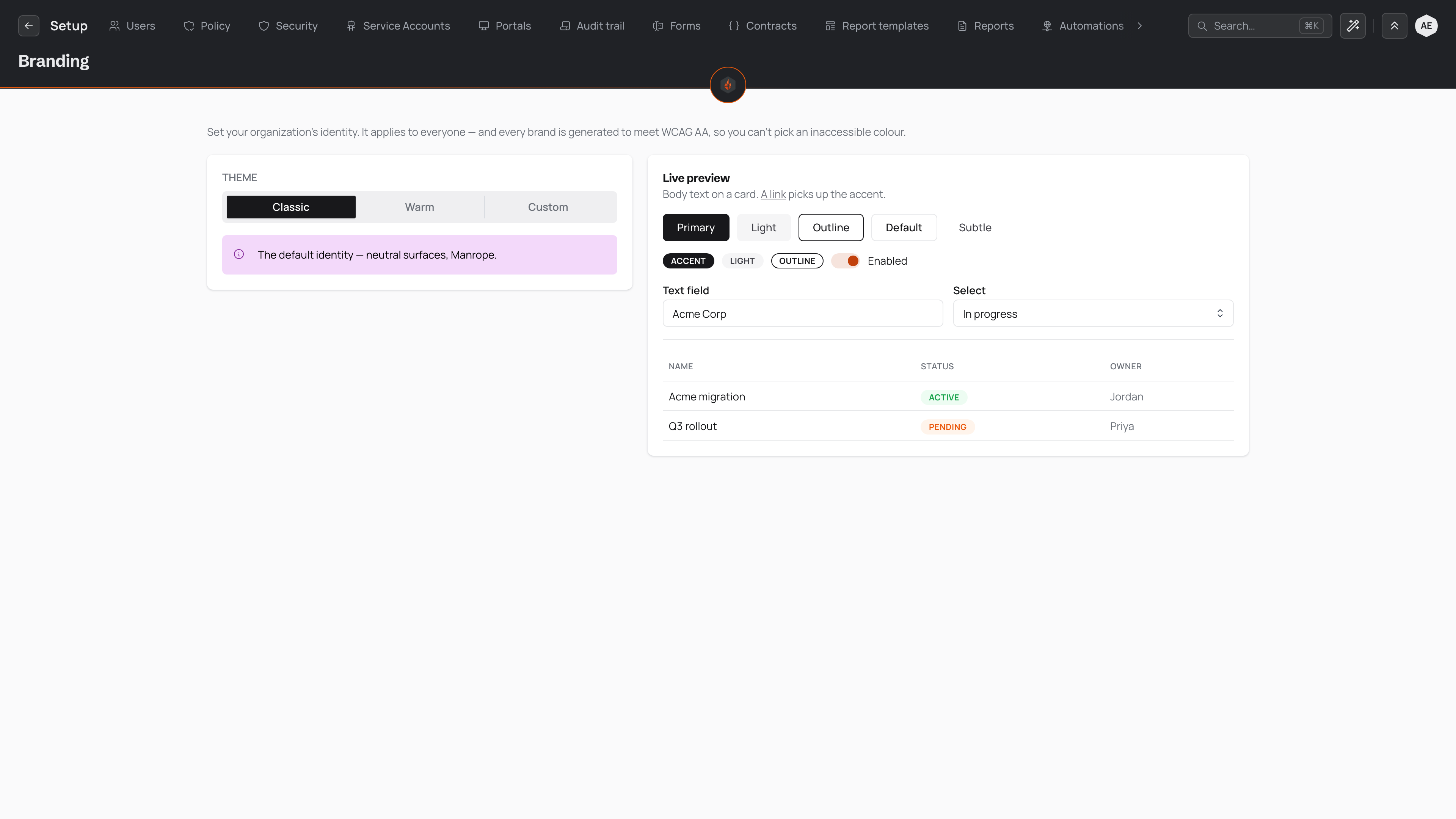
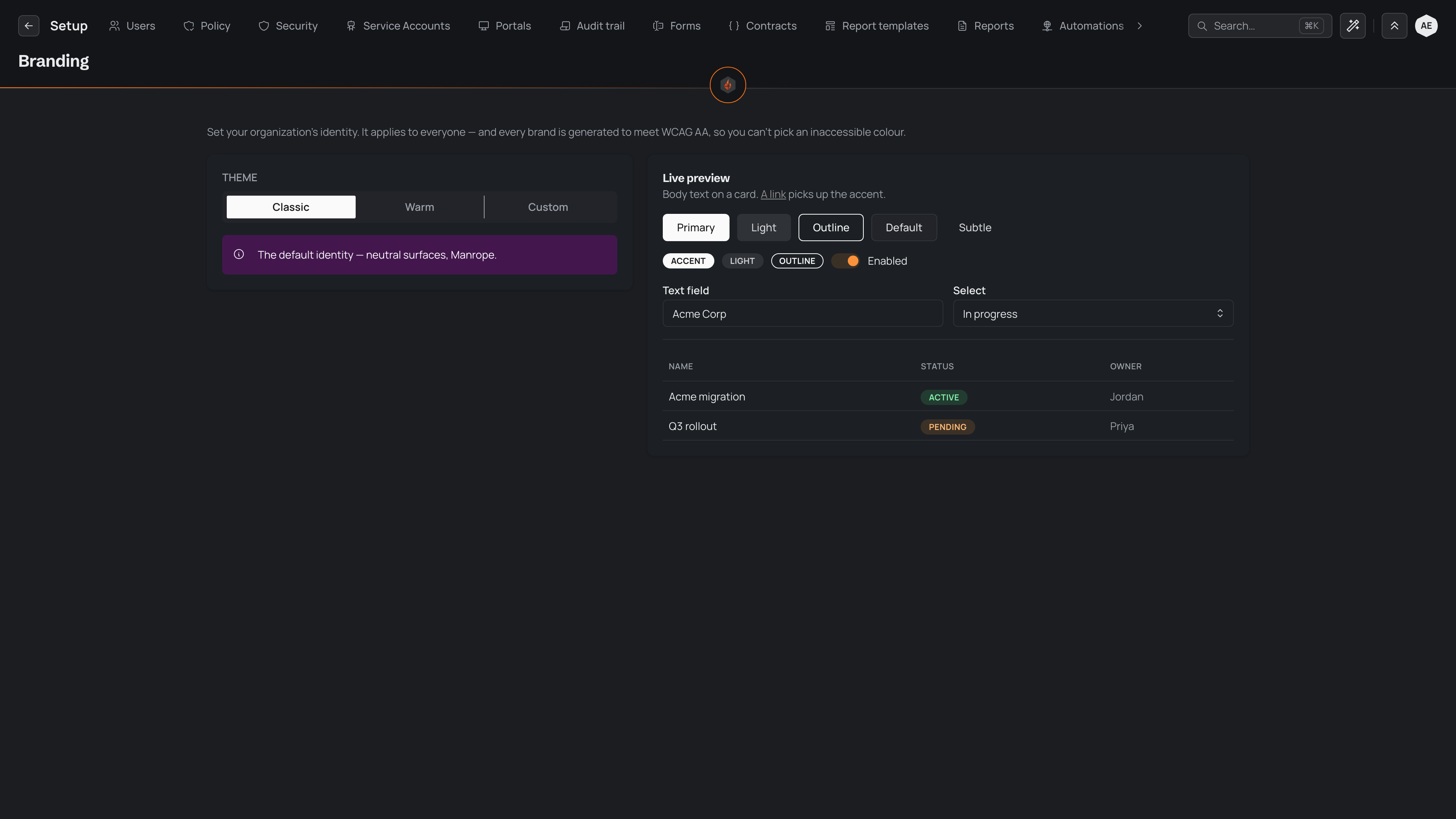
The preview updates as you go. When you change a setting, Save and Discard at the top of the page become available: save to keep the change, or discard it to return to the saved brand. What you save becomes the identity for everyone in your organisation, so nothing changes for anyone until you save.
Start from your website
Until your brand has a logo, the editor opens with Start from your website. Type your website's address, such as firm.com.au, and choose Import. Pyron reads your site and fills in your logo, your icon and your colour from it, then tells you what it used and where it found it.
Nothing changes until you save, so check what it found first. If your site's icon is too small, or Pyron finds no logo in your site's header, it tells you, and you can upload your own in its place.
Accessible by construction
Pyron generates every brand to meet WCAG AA, so you cannot choose an inaccessible colour. Text and controls keep enough contrast against their backgrounds to stay legible, and you do not have to measure any of it yourself.
This holds for a Custom brand too. Whatever accent you enter, Pyron tunes the shades around it until the contrast passes — you pick the colour you want, and the readable result is worked out for you.
Light and dark
Each person can view Pyron in light or dark, whichever they find comfortable. That choice is a personal preference set from your profile, separate from the organisation brand.
Your brand is generated to hold up in both. Pyron tunes the accent and the surface shades for light and for dark, so contrast stays right whichever a person chooses. One person switching to dark does not change the brand for anyone else — the identity you set stays consistent across both.