
Every AI feature in Pyron draws on a monthly budget in Australian dollars. The AI page in Setup shows what has been spent this month, sets how much your organisation, each person and the automations may spend, and lists the requests for more.
Usage at a glance
The Usage tab shows one month of AI spending. It opens on the current month; choose another from Month to look back, and select Export to download that month's charges as a spreadsheet file.
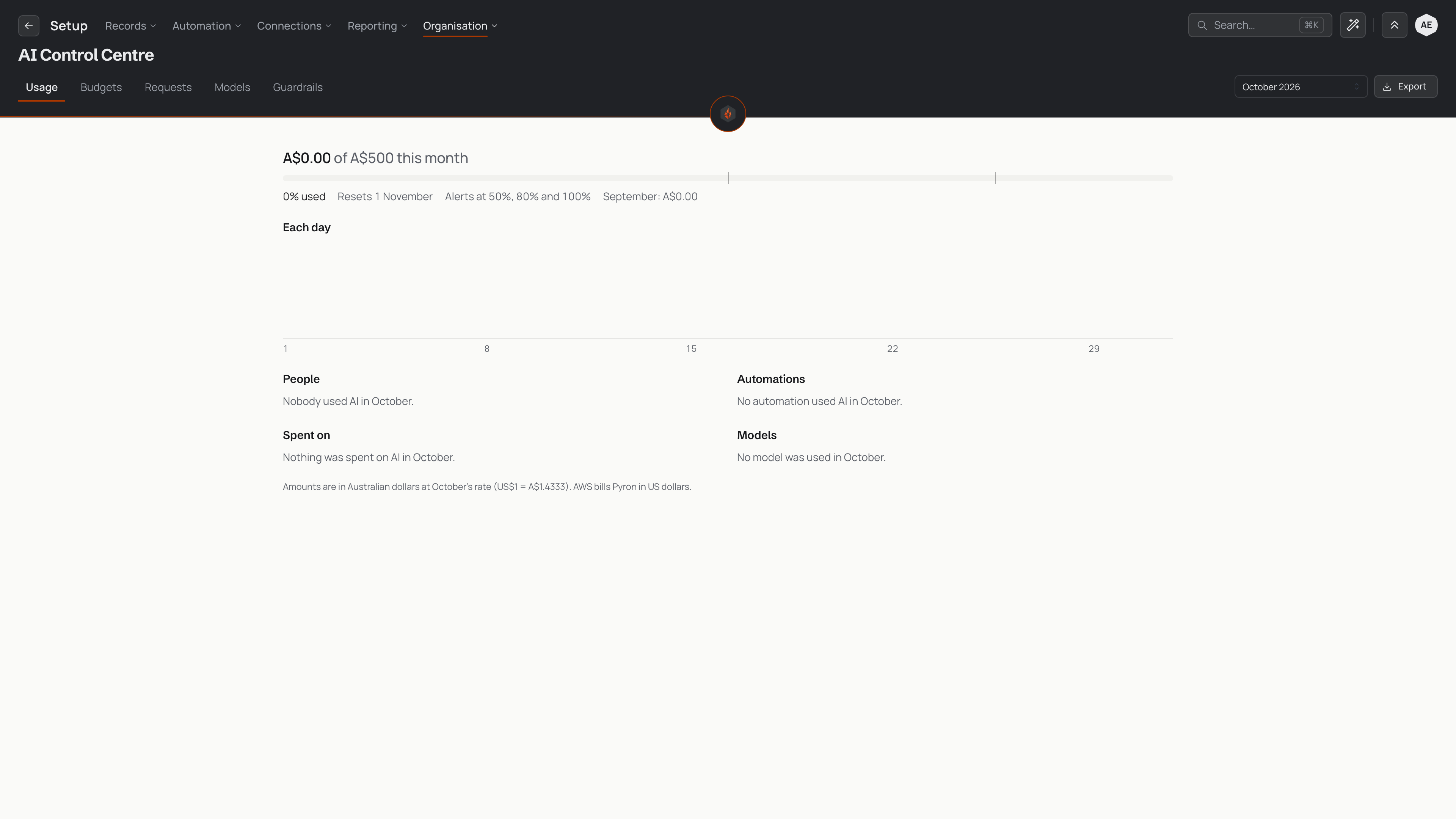
The top line reads the month's spend against your organisation's budget, with a meter that marks each alert level. Beneath it you see the share used, the day the budget resets, the levels the alerts fire at, and what the previous month cost. While the month is under way, a forecast says where spending lands at the current pace.
The rest of the tab breaks the month down:
- Each day — a chart of each day's spend.
- People — what each person used against their allowance, and who has reached it.
- Automations — what each automation used against its limit, and any runs waiting for more.
- Spent on — the kinds of work the AI did, such as building.
- Models — the spend on each model tier.
Every amount is in Australian dollars. Each month uses one exchange rate, set when the month begins, so a month's figures never shift while you read them.
Budgets
The Budgets tab sets every limit, each for a calendar month. Select Edit beside a setting to change it in place, then save with Save in the header, or return to the saved settings with Discard.
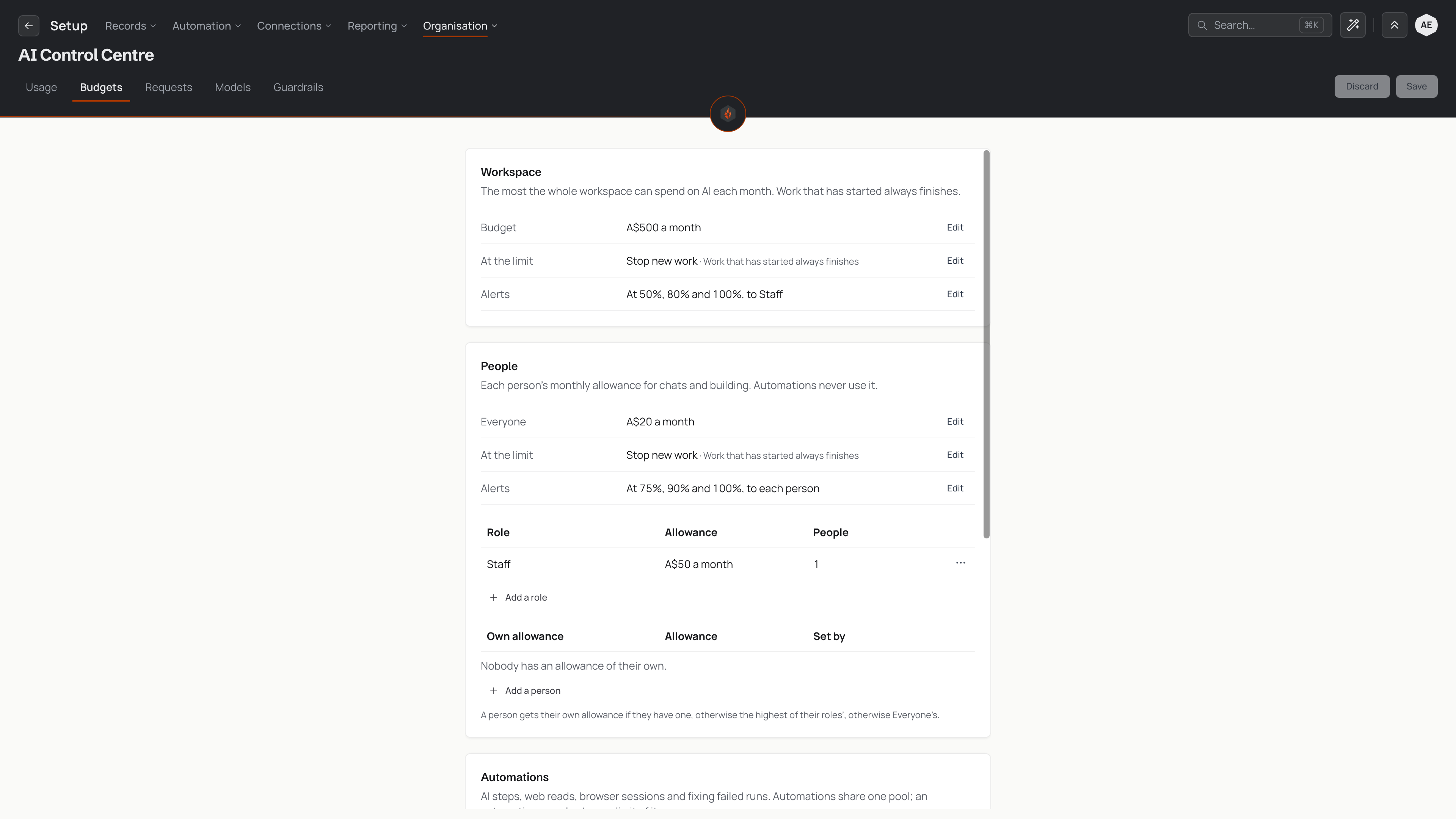
The tab has four groups:
- Workspace — the most the whole workspace can spend on AI each month. At the limit decides what happens when it is reached: Stop new work stops new AI work, while a warn-only setting lets work keep starting and lets the alerts say so. Work that has started finishes either way. Alerts sets the percentages that send a warning, and who receives it.
- People — each person's monthly allowance for chats and building. Everyone is the allowance for anyone with nothing more specific. A role can carry an allowance of its own (Add a role), and so can a single person (Add a person). A person gets their own allowance if they have one, otherwise the highest of their roles' allowances, otherwise Everyone's. Automations never draw on a person's allowance.
- Automations — AI steps, web reads, browser sessions and fixing failed runs. Automations share one Shared pool. At the pool's limit, an automation either waits and asks for more (Wait and ask) or runs on without its AI steps. An automation can also have a limit of its own (Add an automation), and an automation marked critical can keep going past its limit with alerts only.
- Requests — who answers requests for more. Approvers names the role that answers them, Daily summary sets when approvers receive an email of the open requests, and Allowance alerts decides whether the approvers hear a person's allowance alerts too, or only the person does.
To remove a limit, edit it and choose no limit rather than clearing the amount.
Requests for more
When someone asks for more AI, or an automation waits at its limit, the request appears on the Requests tab. The list shows this month's requests, the open ones first and then those already decided.
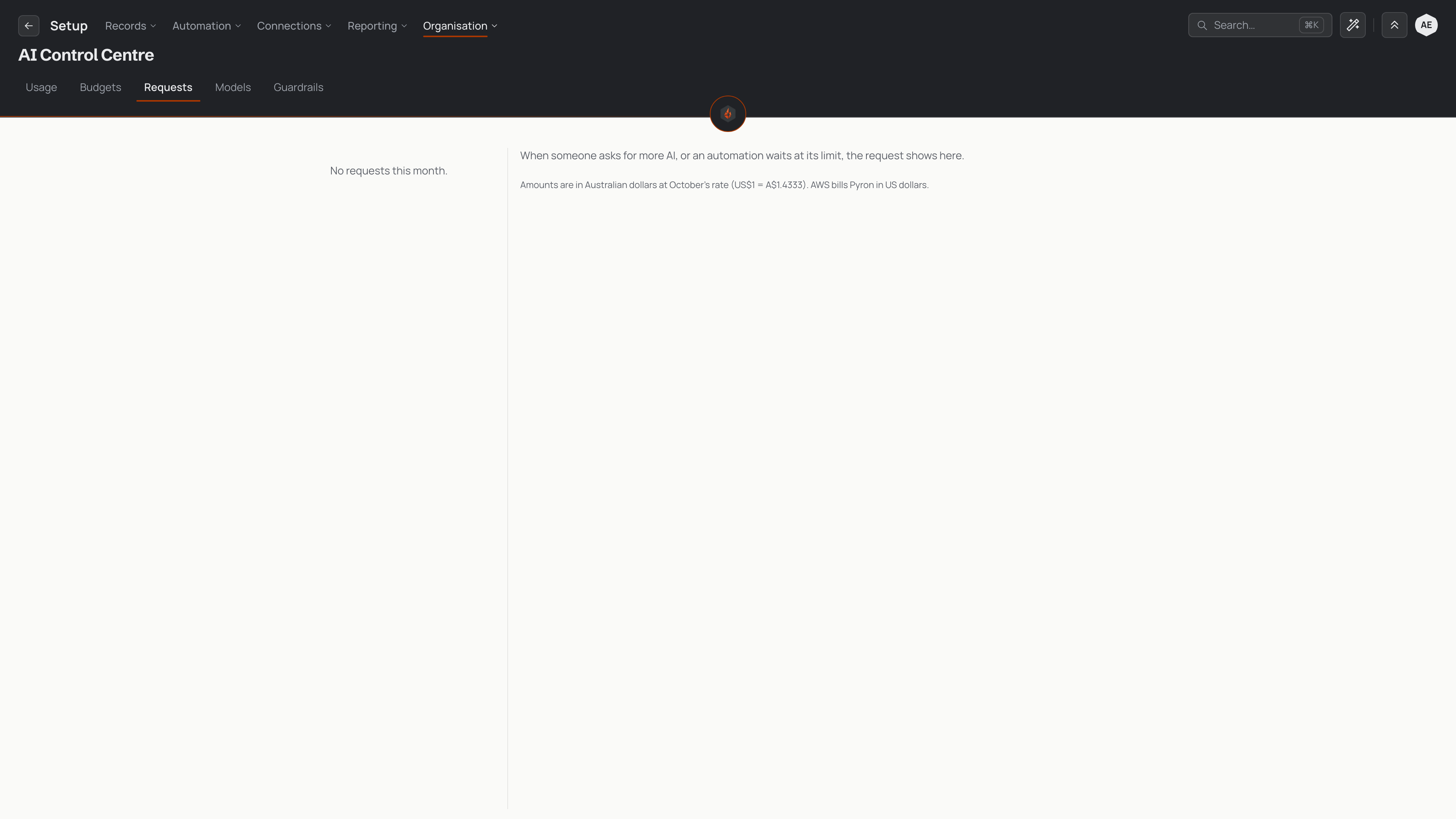
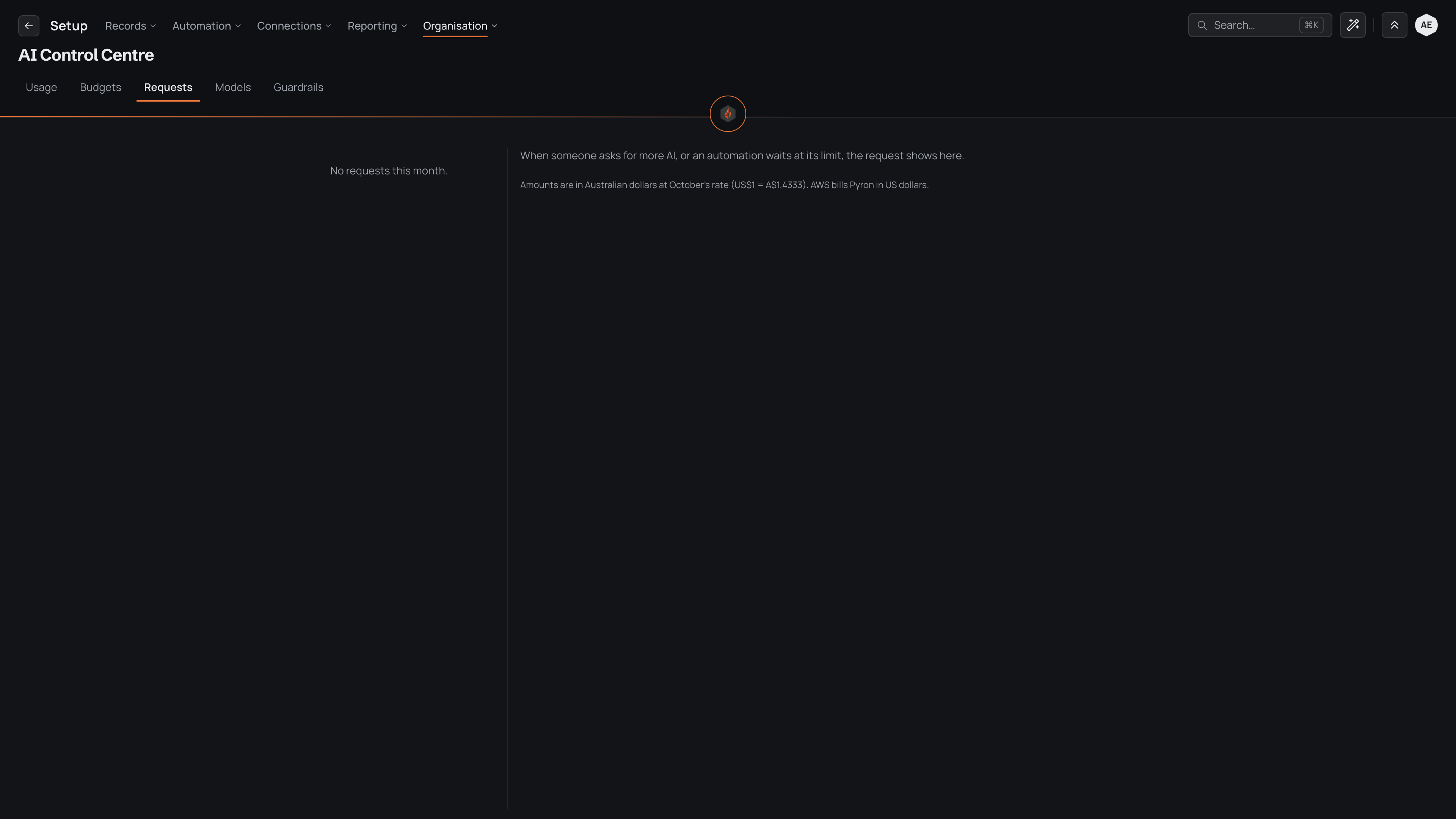
Select a request to see who asked, or which automation is waiting, the reason they gave and what they have used this month. To answer it, an approver first takes the request, so two approvers never answer the same one. They then choose how much more to give, and whether it applies for this month only or every month, add a note if they want to, and approve or decline it.