
Press ⌘K from anywhere in Pyron to open a single search box that looks across your directory, entries and pages at once. It groups the matches by kind and takes you straight to the one you pick, so you can reach a named entry or page without walking the tree.
Opening search
The search box is available on every screen — you never have to be on a particular page to reach it.
- Press ⌘K (or Ctrl+K on Windows and Linux) to open the search palette over whatever you are looking at.
- Or select Search in the header at the top of the screen.
- Before you type, the palette lists Recent — the last five places, entries and pages you opened, with where each is and when you opened it — then On this page, what the screen you are on lets you do (such as New incident or Edit page), then Go to, one row of the places in Pyron you can open, with the Inbox showing how many things need you.
- Setup in Go to opens a list of its own: the Setup sections you hold, grouped as Setup's menus group them, each with what it is for. Press Backspace in the empty search box to come back.
- Start typing. Matches appear as you type.
Results at a glance
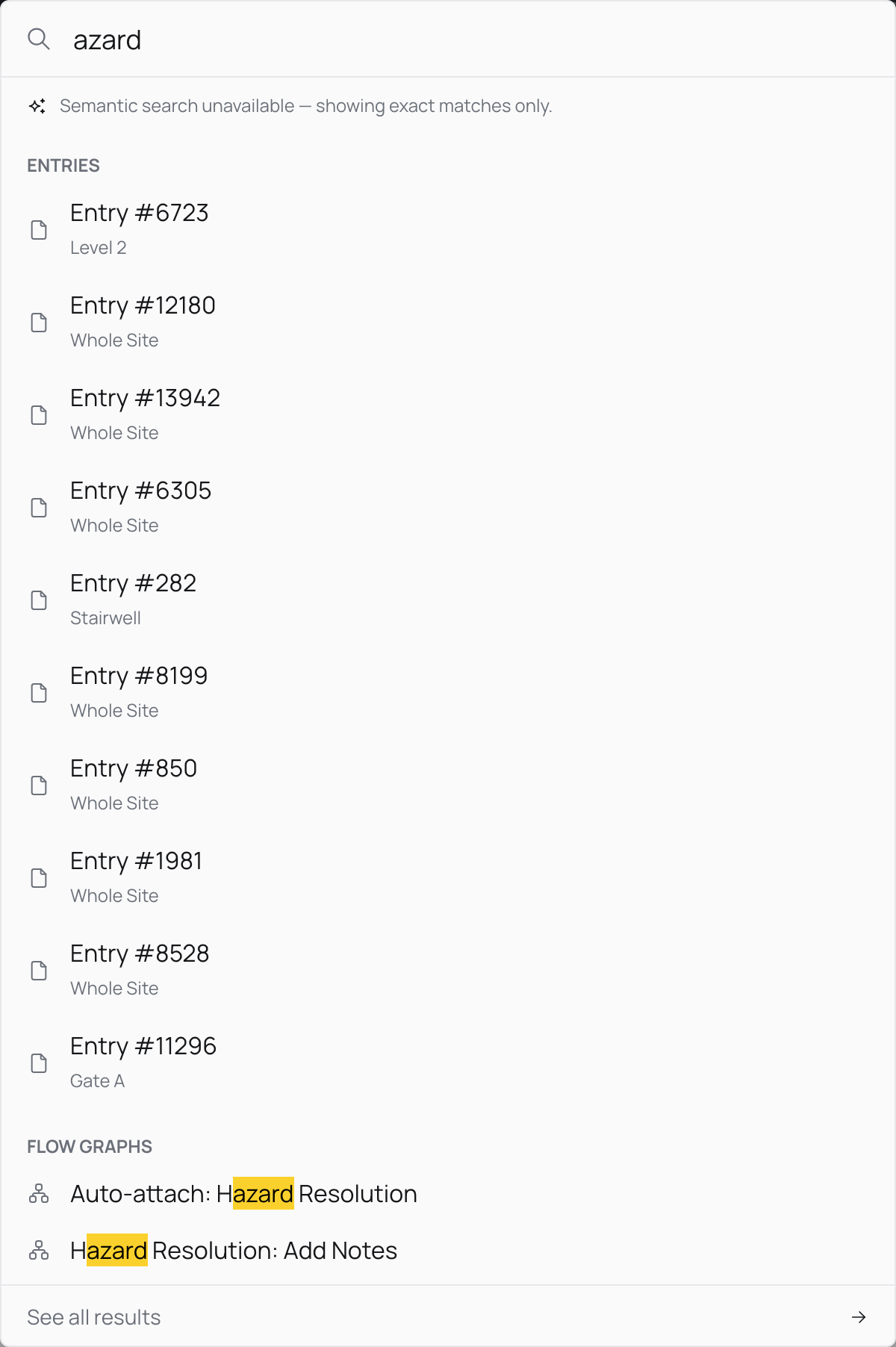
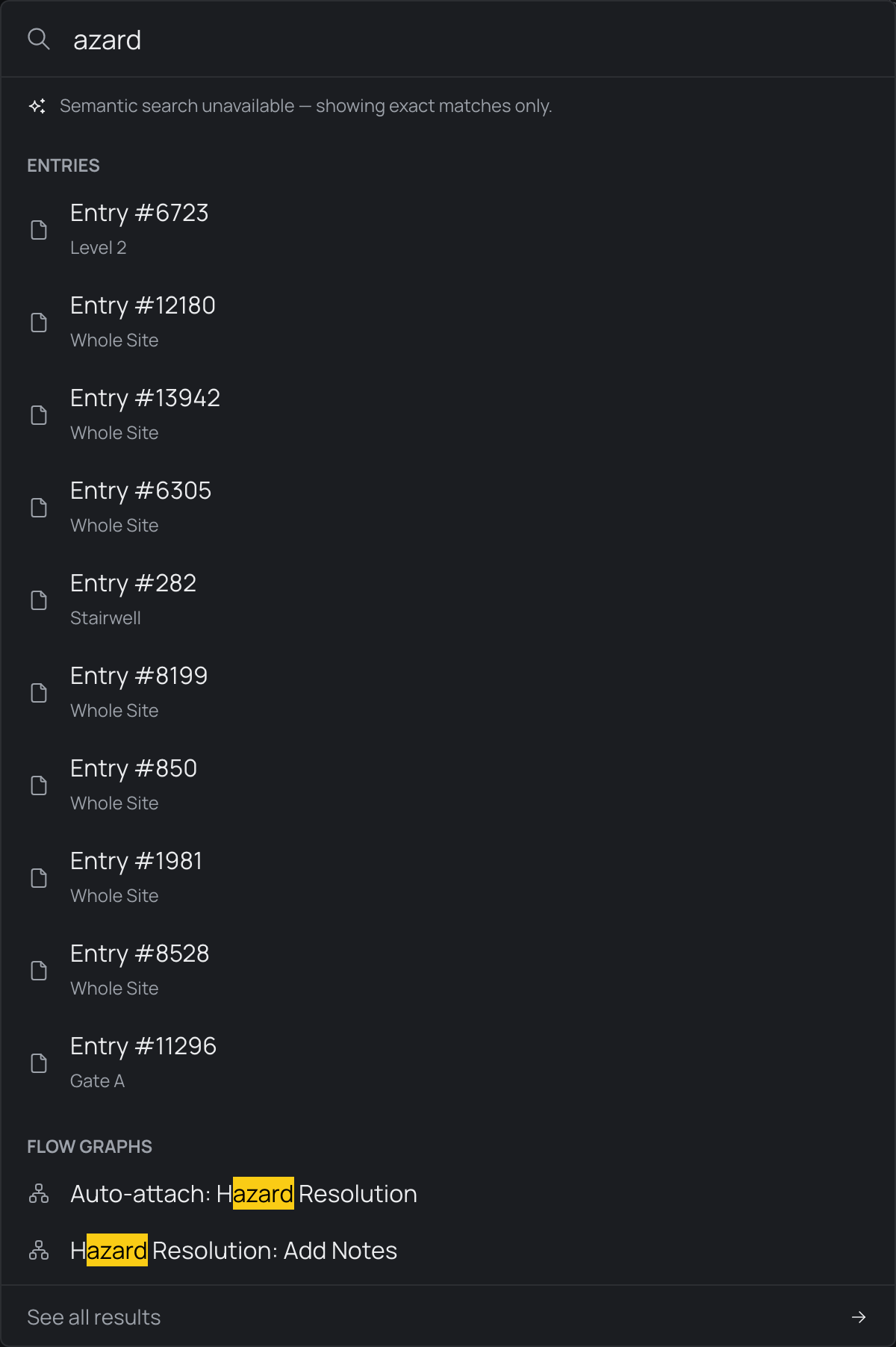
As you type, Pyron sorts the matches into labelled groups, always in the same order, so a result is where you found it last time. Each row starts with an icon for its kind, and each word you typed is marked in bold on a soft orange wash.
Under the search box, a row of kinds — All, Places, Records, Pages, Files and Setup — shows how many of each matched. Select one, or press Tab to move along them, to see only that kind.
- Places — places and things in your directory, such as a site, a register or an asset. Opening one takes you to its Overview.
- Records — the entries that hold your words, each shown by its title, with the line that holds them beneath it and where the entry is filed beside it. Below them, under Close in meaning, up to two entries that are about what you typed without using your words, each with its opening line. When you search for a number and an entry holds it, only the entries that hold it are shown.
- Files — documents whose name holds your words, or whose text is close to them.
- Pages — the dashboards and pages you can open.
- Setup — the Setup sections whose name or purpose matches, each beside its group, then the forms, contracts and automations you can open there.
The first row is highlighted, ready for Enter. The last row is always Ask the assistant, with your words: select it, or press Enter when nothing matched, and the assistant opens and sends your words as your message. When nothing matches, the palette says so and offers the assistant.
Within a group, a name that is exactly what you typed comes first, then names that start with it, then names with a word that starts with it. Every search covers the exact words an entry contains, and if your organisation has also set up meaning-based search, entries are matched by what they are about too. See Search by meaning for how the two work together.
On a phone, the palette fills the screen, with a close button in place of Escape.
Open a result to jump to it. Opening an entry takes you to the Entries page with that entry selected; opening anything else takes you to it. You only ever see things you are allowed to open, so two people searching the same words can get different results depending on which parts of the directory they can reach.
The full results page
The palette keeps its list short — the best few of each kind. Whenever a search finds matches, a See all results action sits at the foot of the palette.
Select it to open the full results page. Its All tab lays out the same kinds of match, the one you most likely meant first, and a group with more matches than it shows offers a See all link with the total, such as See all 214 entries. Entries close in meaning are listed after the ones that hold your words, under Close in meaning, even when the palette left them out. Beside All, a tab for each kind of match shows how many there are; open one to see every match of that kind, and select Show more at the foot of the list to keep going.
A search box stays at the top so you can adjust your wording without starting over, and the page's web address updates as you search and switch tabs — copy it from the address bar to send someone the exact same search.