
An entry is a single thing your team logs in Pyron — an inspection carried out, an incident reported, a meter reading taken. Every entry is captured through a form and filed somewhere in the directory, so each one is both a piece of information and a place in your organisation's structure.
What an entry is
The Entries page gathers everything your team has logged into one place. Entries arrive as a stream, most recent at the top, grouped by the day they were logged; each shows its title, where it belongs and the time. An entry's title comes from its entity, which names which answers make it up — a Code Blue at Rosebud Hospital, say — and an entry of a kind that names none is titled by its first answer. Every entry also carries its own number, so you can point to a specific one — an entry numbered #19080, say — without ambiguity.
Selecting an entry from the stream opens its full detail beside the list, so you can read one entry without losing your place in the rest. Until you pick one, the detail pane asks you to select an entry.
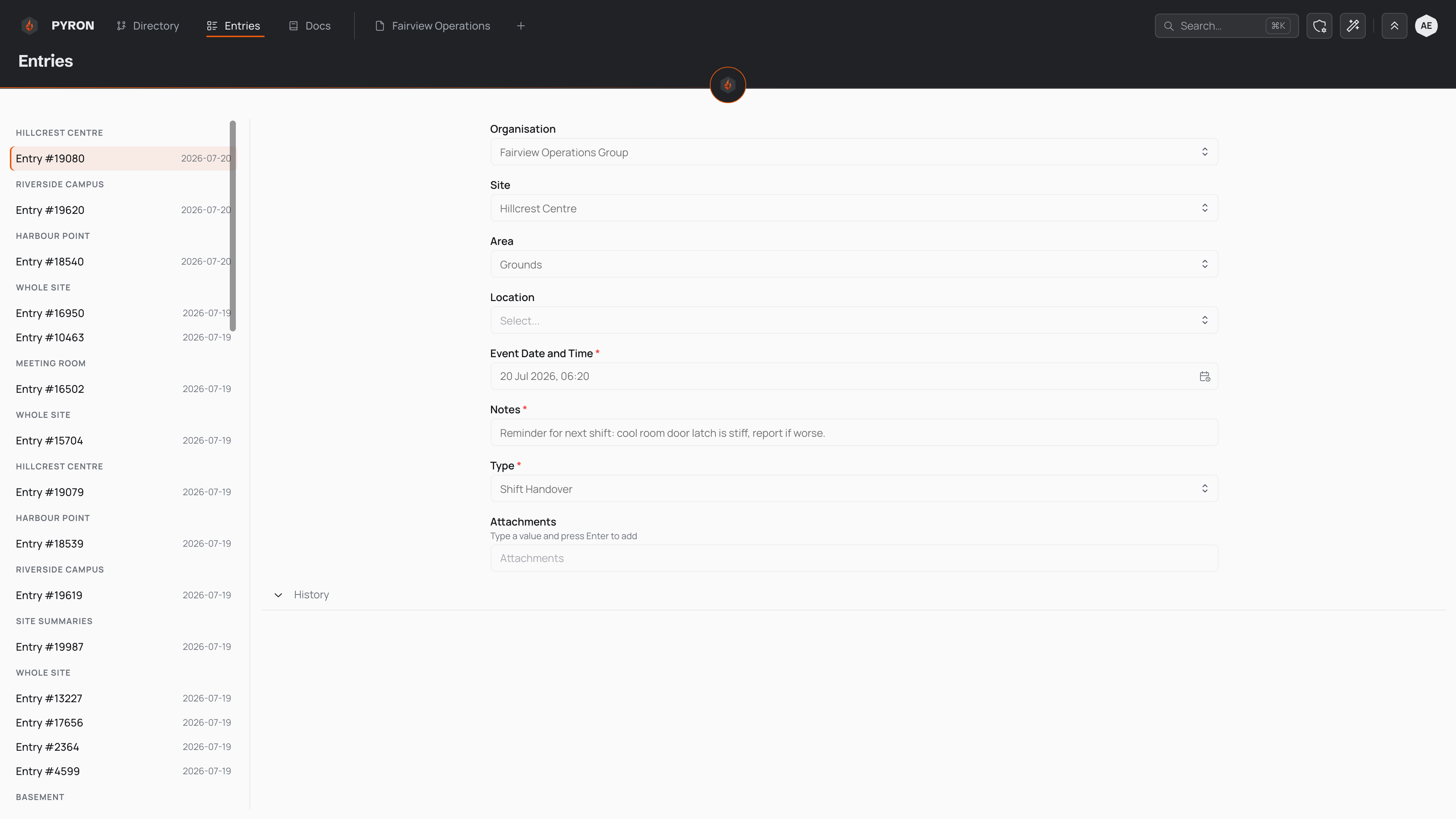
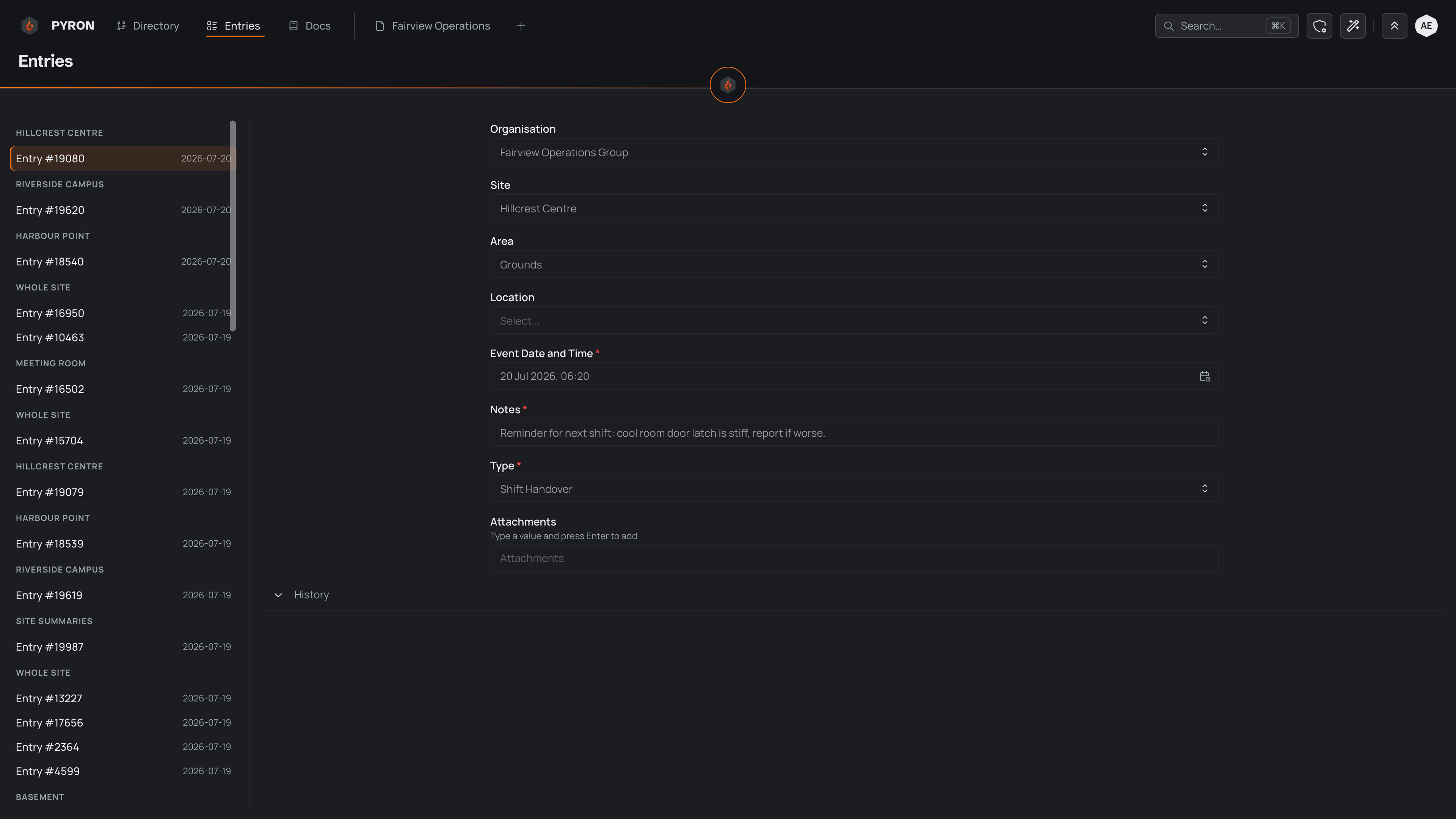
For the day-to-day of finding and reading entries, see Viewing entries.
Forms decide what gets captured
What an entry contains is not up to the person filling it in — it is set by the form that captures it. The form lists the questions to answer, and the answers become the entry. Change the form and you change what every entry made from it holds.
Because the form is fixed, entries made from the same form line up: they carry the same fields, in the same order, holding the same kinds of answer. A number field only ever holds a number; a date field only ever holds a date. That consistency is what lets a whole column of entries be sorted, filtered and totalled later.
A form can also decide that some questions appear only once they are relevant — a follow-up that shows after a particular answer — so two entries from the same form can still hold different fields depending on what was answered. The form, not the entry, owns those rules.
Entries live in the directory
Every entry is filed against a single place or thing in the directory — whatever it concerns. A cleaning check belongs to the room it was carried out in; an incident belongs to the site where it happened. That is why the Entries page groups the stream by place: each heading is somewhere in the directory, and the entries beneath it are the ones filed there.
Filing an entry fixes where it sits in your organisation's directory. The entry then appears on that place's own page alongside everything else logged there, and it inherits that position — so an entry filed deep in a branch still rolls up under the site and organisation above it.
Belonging to the directory also settles who can see an entry: reaching an entry follows from reaching the place it is filed. Someone with access to a site can see the entries filed against it and everything beneath it, while someone scoped to a single area sees only what is filed there. For how that access is granted and shared, see Access and sharing.
Status and lifecycles
Some entries move through states over time — an issue that is opened, worked on and then resolved. That progression is handled by a lifecycle: a set of named states an entry travels through. When an entry has a lifecycle, it shows a coloured badge naming the state it is in, so you can tell at a glance what is still open and what is finished.
Not every entry has a lifecycle. Many entries capture something that happened once and need no status at all; a lifecycle attaches only to the kinds of entry your organisation has set up to track that way.
Where entries are shown in a table, you can narrow them by status — showing only the entries that sit in a particular state, or only the entries that do not. A status filter lets you pull up everything still open, or everything unresolved, without reading down the whole list. To follow an entry through its states step by step, see Lifecycles.